 Instagram Story Viewer
How to View Instagram Highlights After 24 Hours?
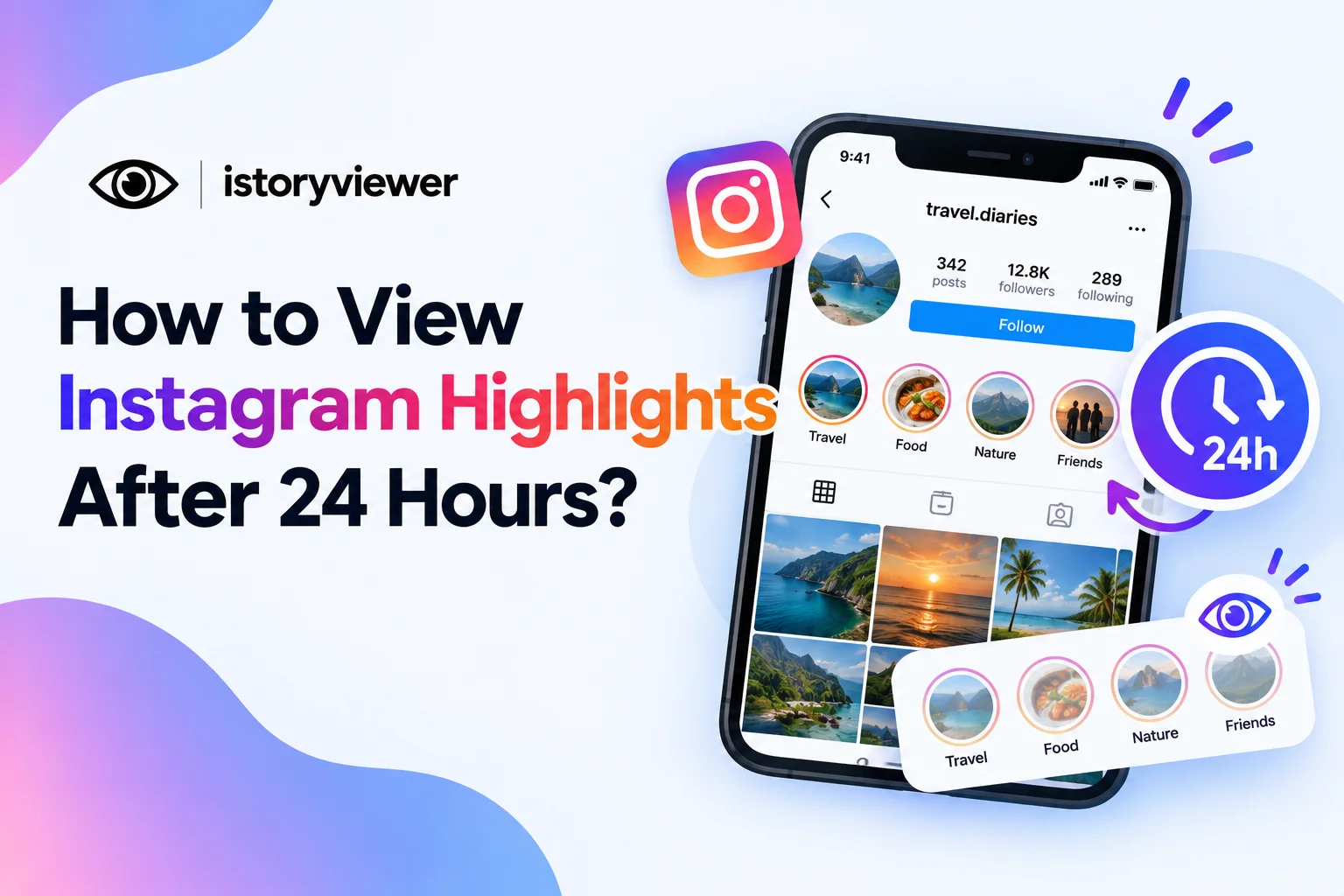
A story disappears after a day, but some of them stick around. Those saved stories live in highlights, the circles under a profile’s bio. You might want to rewatch one, or check who saw your own.
Here’s the short answer for you. You can view Instagram highlights after 24 hours, because they stay until the owner removes them. Below, you’ll see how to watch them, who can tell, and what owners can track.
Can You View Instagram Highlights After 24 Hours?
Yes, highlights don’t expire as regular stories do. Instagram’s launch post for Highlights says they stay on a profile until the owner removes them. That could mean days, months, or years.
Regular stories follow a different rule. They disappear after 24 hours unless the owner adds them to highlights. So a highlight is simply a story the owner chose to keep.
Each highlight circle can hold many stories grouped under one name. Owners can add new stories or remove old ones at any time. That’s why you can only find someone’s old stories in their highlights.
How to View Someone’s Highlights in the Instagram App
Watching highlights in the app takes only a few taps. Here’s how to do it:
Open Instagram and search for the person’s username.
Tap their name to open their profile.
Find the row of circles below their bio.
Tap a circle to start that highlight.
Tap the right side to skip ahead, or the left to go back.
Each highlight plays like a regular story, one frame after another. Highlights usually carry labels like Travel or Menu to help you choose. On private accounts, you’ll need an accepted follow request first. If a profile has no circles, that person hasn’t saved any highlights.
How to View Instagram Highlights Without an Account
You don’t need to log in to watch public highlights. Our story viewer at istoryviewer.com opens a public profile’s highlights in any browser. Here’s how to use it:
Open istoryviewer.com on your phone or computer.
Type the public username into the search box.
Tap the “View story” button.
Open the highlights section once the profile loads.
Tap any highlight to watch the stories inside.
You can also save highlights to your device for offline viewing. Keep those downloads personal, and ask before reposting anyone’s content. Private profiles stay private, so this only works for public accounts.
Can Someone See That You Viewed Their Highlight?
It depends on how recently the story was first posted. The Instagram Help Center says owners can see who viewed a story for up to 48 hours. That list is visible only to the owner. Instagram doesn’t describe a separate viewer list for highlights after that window.
Replies are a different matter. Any reply to a story arrives as a private message in Instagram Direct. So if you react or reply to a highlight, the owner will know. Simply viewing is much quieter than replying.
Watching in a browser also keeps your name off any list. Opening their profile is private too, since Instagram doesn’t show anyone who viewed your profile.
How to See Who Viewed Your Own Highlights
If you’re the owner, your viewer data has a time limit. You can check who saw each story for up to 48 hours after posting. Here’s how to check it:
Go to your profile and tap the menu in the top right.
Tap Archive under How you use Instagram.
Scroll to the story you want to check.
Tap the story and swipe up on the screen.
Views include replays, so the count can be higher than the number of names. After 48 hours, the names disappear from that list. Your highlights stay up even after the viewer list is gone.
Save Reels Shared Inside Highlights
Many highlights include reels that creators reshared to their stories. Links to the original reel keep working even in saved stories. So when a highlight shows a reel you like, tap the reel to open the original post. From there, copy the reel’s link from the share menu.
Paste that link into our free Reels Downloader and click “Fetch Reel.” You’ll get a preview first, then a clean MP4 with audio to save. It’s a handy way to keep recipes, workouts, or tutorials a creator pinned to their profile.
Treat those saved reels as personal copies. Ask before reposting, credit the creator by name, and skip any commercial use, which Instagram doesn’t allow.
The new link supports the point about reshared reels. It goes to the Stories Archive Help Center page, which says links to the original content keep working in saved stories.
Frequently Asked Questions
Do Instagram highlights disappear after 24 hours?
No, highlights stay on a profile until the owner removes them. Only regular stories disappear after 24 hours. Owners can still delete or edit a highlight whenever they like. If one vanishes, the owner most likely removed it. Or the account may have gone private.
Can I watch someone’s highlights without them knowing?
Viewing a public highlight through a web viewer keeps your name off their list. In the app, story viewers can be visible to the owner for 48 hours. Avoid replying or reacting, since those arrive as messages. Private highlights require an accepted follow request.
Can I see who viewed my highlight after 48 hours?
No, the viewer list for each story lasts up to 48 hours. After that, Instagram no longer shows the names. Check your viewers early if a story matters to you. The highlight itself stays on your profile either way. Replies you received will still sit in your messages.
Can I view highlights on a private account?
Only if the owner accepts your follow request. Private accounts share their content with approved followers only. Web viewers, including ours, can’t open private highlights. Send a request and respect their answer. Once accepted, tap their highlight circles in the app. Public accounts don’t have this limit.
Can I download someone’s Instagram highlights?
Yes, if the account is public. Our story viewer lets you open public highlights and save them to your device. For reels, our Reels Downloader saves clean MP4 files with audio. Keep downloads for personal viewing, and credit creators if you share.