 Instagram Story Viewer
Can Someone See Who Viewed Their Instagram Profile?
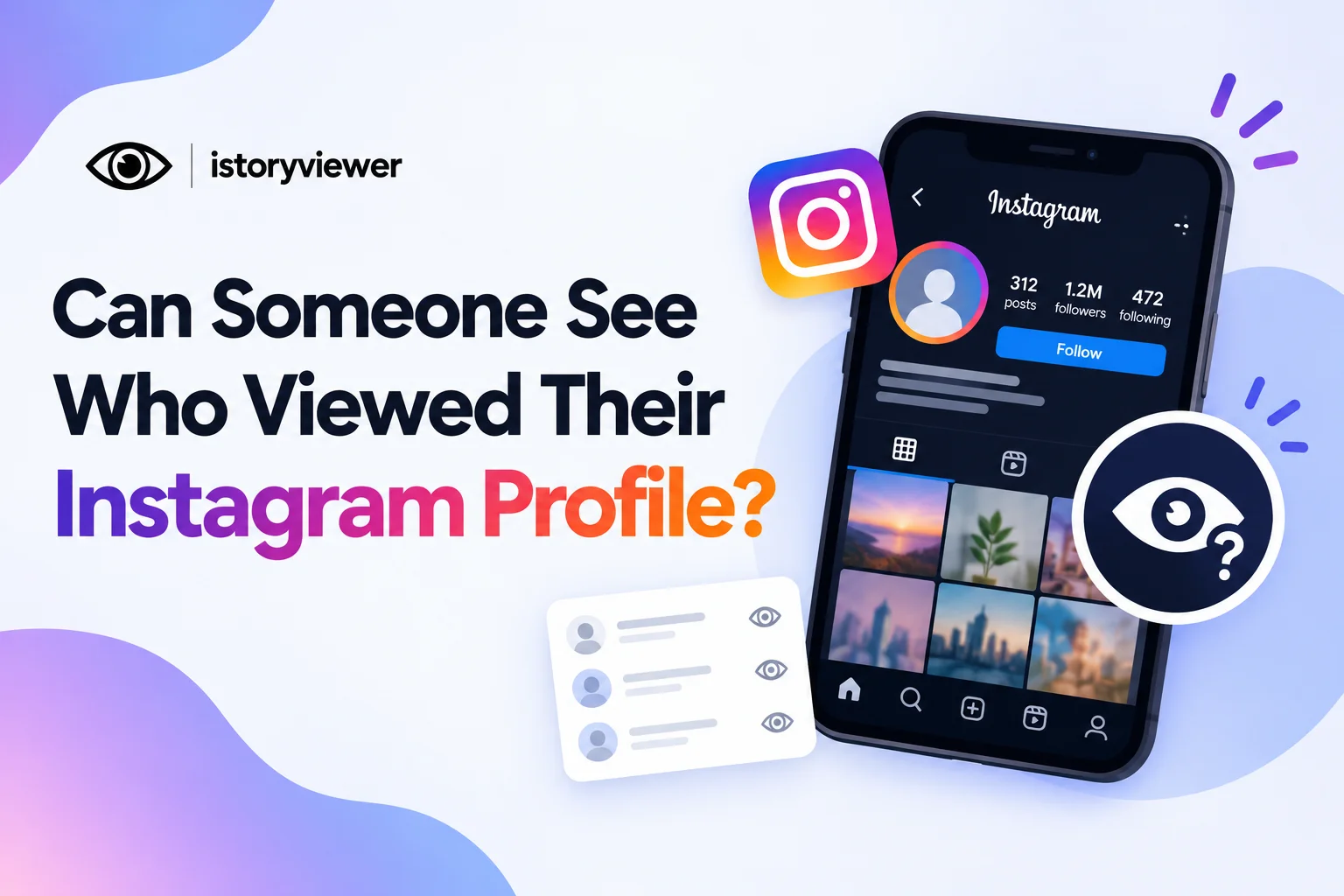
You opened someone’s profile, scrolled a little, and now you’re worried. Will they find out you were there? Or maybe you’re curious who has been checking out your own page.
The short answer is no. No one can see who viewed their Instagram profile, not even business accounts. Below, you’ll learn what Instagram does show, where your name can appear, and which apps to avoid. The details matter, because stories and live videos follow different rules.
Can Someone See Who Viewed Their Instagram Profile on Any Account Type?
No, Instagram doesn’t give anyone a list of profile visitors. You can open a profile, scroll the grid, and leave without a trace. The owner gets no alert and no name.
Instagram does share viewer lists in a few specific places. The Instagram Help Center explains that only the poster sees who watched a story. It describes a similar setup for live broadcasts. No such list exists for a profile page itself.
So browsing a profile stays private. That’s true for personal, business, and creator accounts alike. Your name shows up only when you act, like liking, commenting, or watching a story.
What Business and Creator Accounts Can See
Professional accounts get one extra number, and it’s a count, not a list. Meta’s developer guide defines profile visits as the number of times a profile was visited. That figure appears in Insights for business and creator accounts.
The count tells owners how much interest a post or story created. It never reveals which accounts did the visiting. So a café owner might see a spike after a popular post. They still won’t know whether you were part of it.
Visit counts can also lag, since Meta notes data may take up to 48 hours to appear.
Where Instagram Does Show Who Viewed Your Content
Your name can appear in a few places, even though profile visits stay private. Here’s where you might be seen:
Stories
When you watch a story, your username joins the poster’s viewer list. The owner can check that list for up to 48 hours after posting. Only the owner can see it, not their followers. This is the most common way people notice a visit.
Live Videos
Joining a live broadcast is not anonymous either. Instagram says the host and other viewers may see that you’ve joined. Any likes or comments you leave during the live are visible to everyone watching. Skip the live if you’d rather not be noticed.
Likes, Comments, and Follows
Any action you take sends a clear signal. Liking an old photo or tapping follow by accident can show up in their activity. Even if you undo it quickly, they may have already seen it. Scroll carefully on profiles you don’t follow.
Why “Who Viewed My Profile” Apps Can’t Be Trusted
Apps that promise a list of profile visitors are selling something Instagram doesn’t provide. Instagram’s own data offers a visit count, not a list of names. So any app showing names is either guessing or inventing them.
Many of these apps also ask for your Instagram password. Handing it over can put your account and personal data at risk. A fake viewer list is not worth losing access to your profile.
If you want real insight, stick to what Instagram shows you. Story viewer lists and Insights counts come straight from Instagram. Treat any app promising more with healthy suspicion.
How to Watch Public Stories Without Joining the Viewer List
Viewing a profile is already private, but stories are different. If you want to watch a public story without appearing on the list, use a web viewer. Our story viewer on istoryviewer.com loads public stories right in your browser. You can watch stories without an Instagram account, so nothing ties the view back to you.
This only works for public accounts. Private stories stay with approved followers, and we don’t try to change that. Use it for casual browsing, like checking a brand’s latest offer. It is never meant for tracking or monitoring someone. If an account blocks you or goes private, respect that choice.
How to Save Public Reels With Our Reels Downloader
Reels are easy to keep for offline viewing. Our free Reels Downloader saves public reels as MP4 files with audio. It works in any browser with no Instagram login. Here’s how to save one:
Open the public reel you want to keep.
Copy the reel link from the share menu or address bar.
Open the Reels Downloader on istoryviewer.com.
Paste the link into the field, or tap “Paste.”
Click “Fetch Reel” to load a preview.
Download the MP4 file to your device.
Saved reels are for your personal viewing. Ask the creator before reposting, and always credit the original account.
Frequently Asked Questions
Can someone see how many times I viewed their Instagram profile?
No, Instagram doesn’t show anyone how often you visited. Professional accounts see a total visit count in Insights. That number includes everyone and never names a single visitor. Repeat visits from you stay just as private as the first. Only actions like likes or follows reveal you.
Can business accounts see who viewed their Instagram profile?
No, business and creator accounts only see a number. Insights show how many times the profile was visited over time. It doesn’t list usernames or profile pictures. The owner can see engagement, like likes and comments, but not silent visits.
Can someone see if I viewed their Instagram story?
Yes, story views are tied to your account in the app. Your username joins the poster’s viewer list for up to 48 hours. To watch a public story without appearing, use a web story viewer. Private stories can only be watched by approved followers.
Can people see who watched their Instagram reels?
Reel creators see play counts, not a list of viewers. Your name only appears if you like or comment. If you want a copy for offline viewing, paste your reel link here. Our tool saves public reels as MP4 files with audio.
Do “who viewed my profile” apps actually work?
No, these apps can’t show real profile visitors. Instagram only gives owners a visit count, not a list of names. Apps that claim more are guessing, and many ask for your password. Skip them to keep your account and data safe.