 Instagram Story Viewer
How to Tell If Someone Restricted You on Instagram?
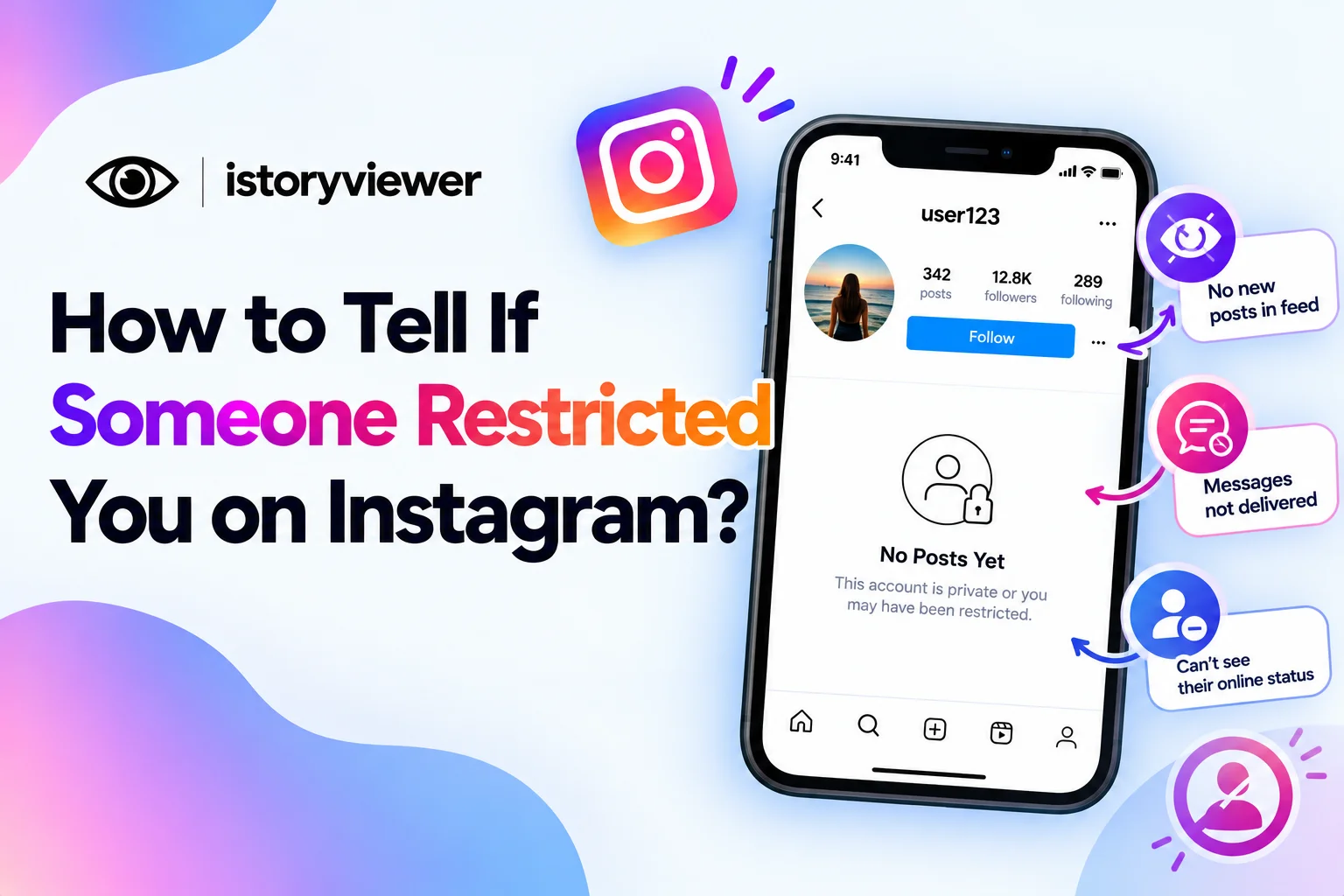
Your comments seem to vanish, and your messages never show as read. You start to wonder if someone restricted you on Instagram. Restricting is quieter than blocking, which makes it harder to spot.
Below, you’ll learn how to tell if someone restricted you on Instagram. You’ll also see what restricting actually changes and what to do next. Each sign comes straight from Instagram’s own description of the feature. None of them are perfect proof, so read them together.
Can You Tell If Someone Restricted You on Instagram?
Not with certainty, because Instagram doesn’t send any alert. The feature was built to work quietly. Instagram’s Restrict announcement says it lets people protect their account without reporting or blocking.
Instagram created Restrict to help people handle bullying and unwanted interactions. Many young users were reluctant to block or report peers who bullied them. Restrict gave them a softer option.
So the only clues are small changes in how your interactions behave. Read them as hints, not as a final answer. There’s no list, badge, or setting that reveals it. Third-party apps can’t reveal it either.
What Happens When Someone Restricts You
Restricting changes a few specific things for the person you restrict. The Instagram Help Center and Instagram’s announcement describe these effects:
Your new comments on their posts are visible only to you.
Your messages move to their message requests.
You can’t see when they’re online.
You can’t see when they’ve read your messages.
You can’t tag or mention them in your posts.
You can’t remix their reels.
They can still see and approve your comments if they choose. They also stop getting notifications from your account. Restrict isn’t the same as unfollowing, so following lists stay as they were.
Signs That Someone May Have Restricted You
Look for a pattern across these signs rather than relying on one:
Their Activity Status Disappeared
Restricted people can’t see when the other person is online. If their green dot vanished, restriction is one possible reason. They may also have simply hidden their Instagram activity status. Check that your own status is turned on first. Hiding yours hides everyone else’s too.
Your Messages Never Show as Seen
Restricted accounts can’t see when their messages have been read. Your chat may show no “Seen” label, even weeks later. They might also just not have opened it yet. Messages from restricted accounts land in requests, which many people rarely check.
You Can’t Tag or Mention Them
Since 2024, restricted accounts can’t tag or mention the person who restricted them. If their name won’t appear when you try, that’s a stronger sign. Privacy settings can also limit who tags someone, though. So treat this as a clue, not proof.
Your Comments Seem Invisible to Others
Your restricted comments still look normal on your own screen. Friends viewing the same post won’t see them unless approved. If nobody ever reacts to your comments there, that’s worth noticing. A friend can tell you whether your comment shows up.
Restrict vs Mute on Instagram
Restrict and mute are easy to confuse, but they work differently. Muting hides someone’s posts, stories, or message alerts from the muter. It doesn’t hide comments from others or stop tags.
Restrict goes further by limiting how the restricted person interacts with you. Neither option sends a notification. The signs overlap, which is why people often confuse being restricted with being muted.
Blocking is the strongest option of the three. It’s far more noticeable than restricting or muting. Each one fits a different level of distance. Restrict sits in the middle, between muting and blocking.
What to Do If You Think Someone Restricted You
Instagram built Restrict to help people manage unwanted interactions. If someone restricted you, they probably wanted some distance. The kindest response is to give them that space.
Avoid creating new accounts to comment or message them. Repeated attempts to reach someone can feel like harassment. If you think it’s a misunderstanding, one polite message is enough.
You can also reflect on recent interactions. A joke or comment may have landed differently than you meant. Their choice isn’t always about you, either. Some people restrict broadly to keep their comments calm. Moving on is often the healthiest choice for both of you.
Save Reels for Inspiration Instead of Remixing Them
Remixing isn’t always an option, whether due to restrictions or a creator’s settings. If you love a public reel’s idea, you can still keep it for personal reference. Our free Reels Downloader saves public reels as clean MP4 files with audio. Paste the reel’s link, click “Fetch Reel,” and download the file.
A few ground rules keep this respectful:
Save reels from creators who welcome sharing, not people avoiding you.
Use saved reels as inspiration, never as content to repost.
Credit the original creator whenever you reference their idea.
Instagram also says downloaded reels aren’t for commercial use. Your own fresh take will always land better than a copy.
Frequently Asked Questions
Does Instagram notify you when someone restricts you?
No, Instagram never tells you that you’ve been restricted. The feature was designed to work quietly in the background. You’ll only notice small changes in comments, messages, and activity status. Apps claiming to reveal restrictions can’t access that information. Instagram keeps that choice private.
Can a restricted person still see my stories and posts?
Restrict mainly limits comments, messages, tags, and remixes. It isn’t designed to hide your posts or stories. To stop someone from seeing your content, blocking is the stronger option. You can also hide your story from specific people. Private accounts give you even more control.
Can I still message someone who restricted me?
Yes, you can still send messages. They go to the person’s message requests instead of their main inbox. They won’t get notified, and you won’t see when they read it. Keep messages brief and respectful if you reach out. Don’t send repeated messages if they don’t answer.
What’s the difference between restricting and blocking?
Restricting limits how someone interacts with you without cutting them off. Their comments get hidden, and their messages move to requests. Blocking is a stronger step that removes contact much more clearly. Restrict suits situations where blocking might cause drama.
How do I know if my comments are hidden by Restrict?
Your hidden comments still look normal when you view them. Other people won’t see them unless the owner approves them. Ask a trusted friend if your comment appears on their screen. If it doesn’t, Restrict is one possible reason. Comment filters can hide comments too.