 Instagram Story Viewer
How to Find Someone’s Instagram Account by Name or Photo?
You met someone, heard a name, or saw a photo, and want to find their Instagram. Maybe it’s a new coworker, an old classmate, or a small business. The right search method depends on what you already know.
Below, you’ll learn how to find someone’s Instagram account by name or photo. You’ll also see how a photo search can expose fake profiles. Every method here uses public information and respects people’s privacy settings.
How to Find Someone’s Instagram Account by Name
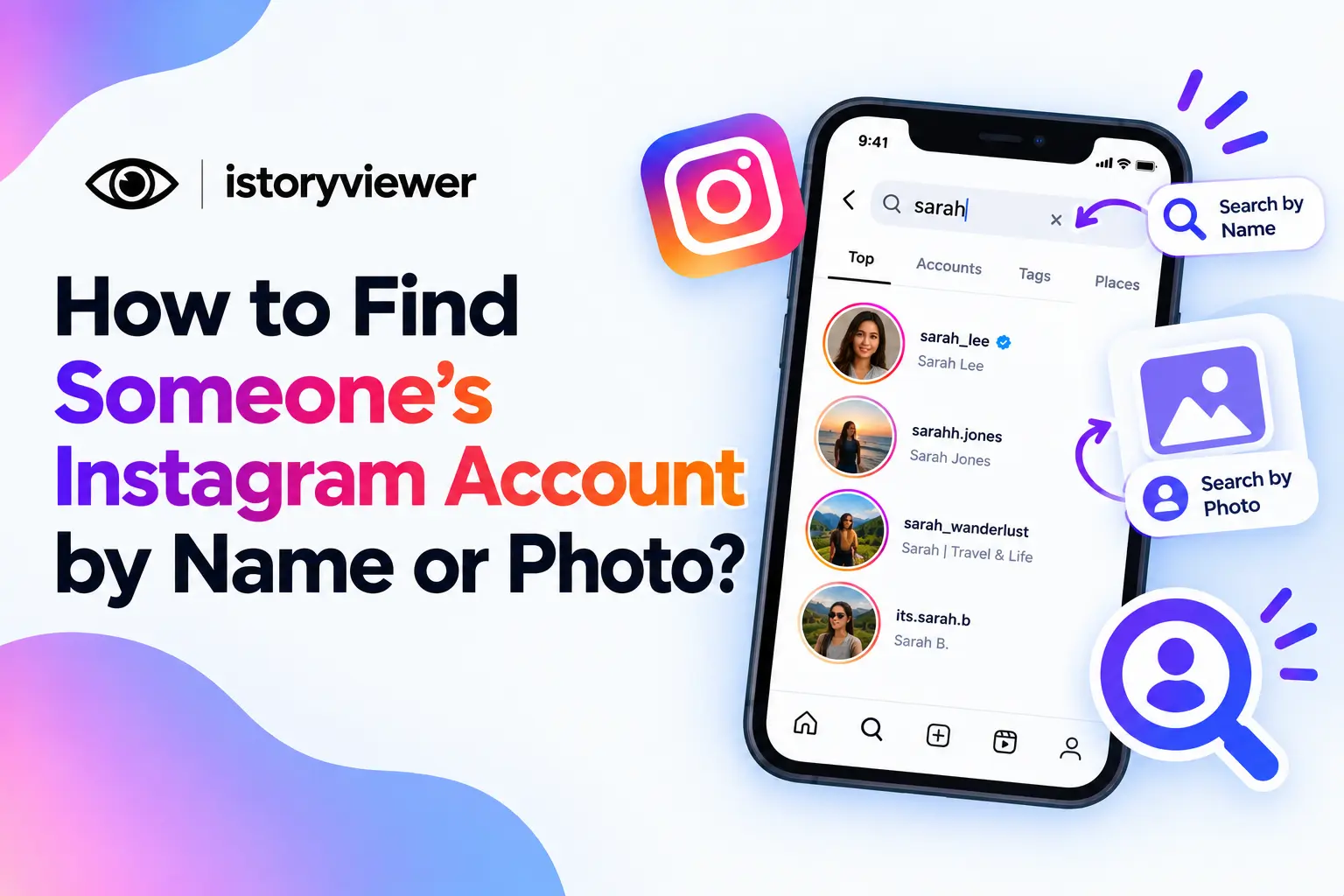
The fastest route is Instagram’s own search bar. The Instagram Help Center names search as one of the main ways to find people. Here’s how to use it:
Open Instagram and tap the search icon.
Type the person’s full name or a likely username.
Look through the account results that appear.
Check profile photos and bios to confirm the match.
Tap the right profile to visit it.
Common names can return dozens of matches. Try a nickname, middle name, or a different spelling. Some people use creative usernames that don’t include their real name at all. Visiting a public profile stays quiet, since Instagram doesn’t show anyone who viewed your profile.
Other Ways to Find Someone You Know on Instagram
If search comes up empty, a few other methods can help:
Sync Your Phone Contacts
Instagram can suggest accounts linked to the contacts saved on your phone. Turn on contact syncing in your settings, then check your suggestions. This works best when the person signed up with a phone number or email you have. You can turn syncing off again anytime.
Check Mutual Friends
Friends often follow each other, so mutual connections are a great clue. Open a shared friend’s public following list and scroll for familiar names. A matching profile photo or bio detail can confirm the account. This works especially well for classmates and coworkers.
Look at Their Other Profiles
Many people link Instagram from other places they post. Check their website, business page, or other social bios for a handle. Brands and creators usually list their Instagram openly. If you know them, simply ask; it's often the quickest option.
How to Find an Instagram Account by Photo
Instagram doesn’t let you search by uploading a photo. Instead, you can use a reverse image search on the web. This looks for places where that exact image has been posted publicly. Here’s how to try it:
Save the image you want to check.
Upload it to a reverse image search tool like Google Lens.
Look for results that link to an Instagram page.
Open the matching profile and confirm the details.
This works best for photos that brands, creators, or businesses shared publicly. It’s handy for finding the original creator of artwork, a product, or a meme. It won’t work for private accounts, since their posts aren’t public.
Use a Photo Search to Spot Fake Profiles
A photo search is also a smart safety check. Fake profiles often use photos taken from someone else’s account. The Federal Trade Commission reviewed reports of money lost to romance scams in 2025. Nearly 60% of those people said the scam started on social media.
Before trusting a new contact, run their profile photo through a reverse image search. If the same photo appears under different names, be careful. Watch for brand new accounts, few posts, and fast requests for money.
Never send money to someone you’ve only met online. Report suspicious accounts to Instagram so others stay safe too.
When Searching for Someone Crosses a Line
Finding a friend or a business is normal. Digging for someone who clearly doesn’t want to be found is different. If a person blocked you, went private, or changed their name, respect that choice.
Skip face recognition apps that claim to match a stranger’s face across the web. They raise serious privacy concerns and can enable stalking. Never use a photo search to identify someone you saw in public.
Searching should help you connect, not monitor. If they don’t respond to a follow request, let it go. A polite message is fine once, but repeated contact is not.
Once You Find Them, Enjoy Their Content Respectfully
Once you’ve found the right account, you might spot a reel worth keeping. If it’s public, our free Reels Downloader saves it as a clean MP4 with audio. Just copy the reel’s link, paste it in, and click “Fetch Reel.”
A few simple habits keep things fair for the creator:
Save reels for personal viewing, not reposting.
Ask permission before sharing someone’s reel anywhere.
Credit the creator by tagging their username.
Avoid any commercial use, which Instagram doesn’t allow.
Following them is the best way to support their work. Likes and comments help creators far more than silent downloads.
Frequently Asked Questions
Can I find someone on Instagram without knowing their username?
Yes, you can search by their full name instead. Instagram search looks for matching names as well as usernames. Check photos and bios to confirm you found the right person. Mutual friends’ following lists can also help. Contact syncing may suggest them too.
Can I search Instagram by photo?
Not inside the app itself. You can use a reverse image search on the web instead. It finds places where that exact image was posted publicly. It won’t reveal private accounts or photos that were never shared. Use it for brands, creators, and fake profile checks.
Why can’t I find someone on Instagram?
They may use a username unrelated to their real name. They might have blocked you or deactivated their account. Try different spellings, mutual friends, or simply ask them for their handle. Private accounts still appear in search, but their posts stay hidden.
Is it legal to find someone’s Instagram by photo?
Searching public images is generally allowed, but how you use results matters. Using them to harass, stalk, or impersonate someone can break laws and Instagram’s rules. Stick to safety checks and finding public brands or creators. When in doubt, don’t contact someone who seems unwilling.
Can I find a private Instagram account?
Yes, private accounts can still appear in search results. You’ll see their name and photo, but not their posts. To see more, you need to send a follow request. If they don’t accept, respect that choice. No tool should be used to get around that.