 Instagram Story Viewer
Best Instagram Analytics Tools for Tracking Engagement
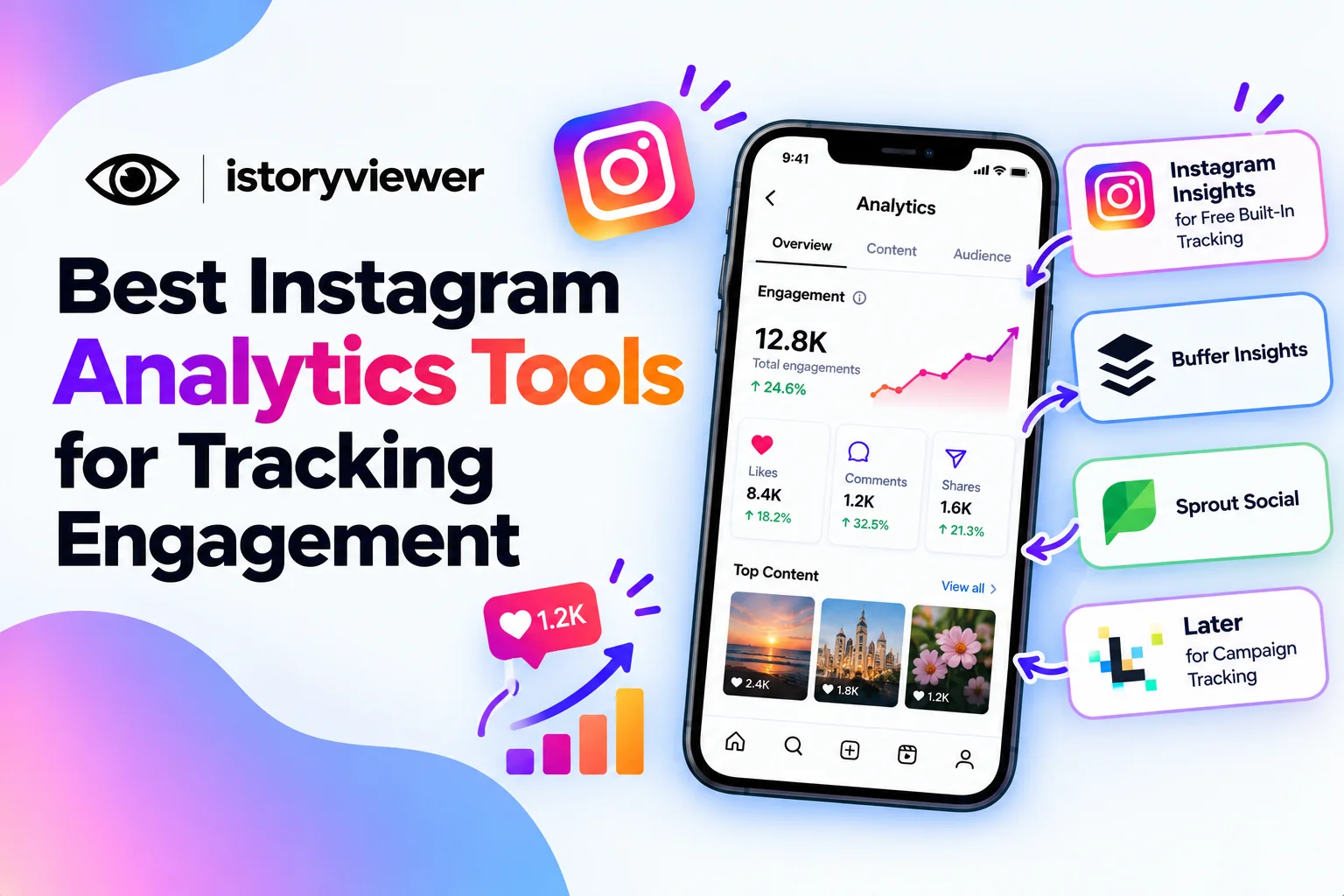
The right Instagram analytics tool depends on how much data you need. Solo creators can often start with Instagram’s free built-in Insights. Growing teams usually want reports, comparisons, and data across several platforms.
The best Instagram analytics tools for tracking engagement range from free to fully paid. Each pick lists what it tracks, who it suits, and any free option. All feature details come from each tool’s own website. Prices change often, so confirm current plans before you commit.
What to Look for in an Instagram Analytics Tool
Every tool starts with Instagram’s own data, so the core metrics match. Meta’s developer documentation lists engagement metrics like likes, comments, shares, saves, and reach. It also tracks profile visits and total interactions.
The difference between tools is what they do with those numbers. Look for these features before you choose:
Reports that compare performance over weeks or months.
Post-level data so you can spot your top content.
Exports you can share with a team or client.
Support for every platform you manage, not just Instagram.
A tool that makes patterns obvious saves more time than one with extra charts.
Instagram Insights for Free Built-In Tracking
Instagram Insights is the natural starting point. The Instagram Help Center says Insights are free and available only for business or creator accounts. You’ll see accounts reached, accounts engaged, and total followers in one overview.
The overview covers your chosen timeframe within the past 90 days. Audience demographics appear once you reach or engage over 100 accounts. For posts, stories, and Live, engagement splits into followers and non-followers.
Professional accounts can be switched on for free in settings. Meta Business Suite shows Facebook and Instagram insights side by side. It’s a handy upgrade if you run pages on both apps.
Buffer for Creators and Small Teams
Buffer Insights brings Instagram and other networks into one view. It covers reach, engagement, follower changes, and your top-performing posts. Weekly Takeaways summarize results and suggest what to try next. Each metric shows a clear definition and update frequency.
The core of Insights is included on Buffer’s free plan. Paid plans add a longer history and PDF or CSV exports for clients. Buffer supports Facebook, Instagram, TikTok, LinkedIn, Threads, YouTube, X, Pinterest, Bluesky, Mastodon, and Substack. That range suits creators who post across several apps.
It’s a strong fit if you want analytics and scheduling in one place.
Sprout Social for Detailed Reports and Competitors
Sprout Social offers Instagram reports at the profile and post level. Its Instagram Competitors Report benchmarks growth and publishing against other brands. Hashtag reports compare your most used tags with your most engaging ones.
Sprout also tracks likes and comments over time, along with engagement ratios. Its Premium Analytics package adds detailed Story metrics and hundreds of data points. Reports download as presentation-ready PDFs or CSV files.
Sprout offers a 30-day free trial with no credit card required. It suits agencies and brands that report to clients or managers. Teams that need simple tracking may find it more than enough.
Later for Campaign Tracking
Later shows reach, engagement, and follower growth at a glance. Campaign tagging groups posts so you can measure a whole initiative together. Custom Analytics builds dashboards across platforms on its Scale plan. That plan includes up to two years of historical data.
Later notes that Instagram analytics require a business or creator profile. Some features, like audience analytics, need at least 100 followers. Basic analytics come with paid plans, and every plan starts with a 14-day free trial.
Its competitor benchmarking tools sit alongside the analytics too. It works well for brands that plan campaigns and want results grouped together.
The post’s remaining outbound links all go to Meta and Instagram, so none of them point to sites competing for your keywords. I’ve kept the tool URLs in the sourcing note so you can still verify the facts.
How to Choose the Right Instagram Analytics Tool
Start with your goal, then match the tool to it. This quick guide can help you decide:
Use Instagram Insights if you manage one account and want free basics.
Pick Buffer if you post across many apps and want simple reports.
Choose Sprout Social if clients expect detailed reports and competitor data.
Try Later if you run campaigns and want results grouped by tag.
Test free plans or trials before paying for anything. Track the same few metrics each week, like reach, saves, and shares. Consistency tells you more than any single dashboard. Profile visit data shows a total, since Instagram doesn’t reveal who viewed your profile.
Study Top-Performing Reels for Content Ideas
Analytics tell you what worked, but not always why. Studying successful reels in your niche helps fill that gap. Look at their hooks, pacing, captions, and audio choices.
Keeping a small reference library makes this easier. Our free Reels Downloader saves public reels as MP4 files with sound for offline review. Watch them side by side with your own top posts.
Treat these saves as private research only. Never repost them, and Instagram doesn’t allow commercial use of downloaded reels anyway. Use the patterns you notice to shape original content of your own. Then check your analytics to see if the new approach lands.
Frequently Asked Questions
What is the best free Instagram analytics tool?
Instagram Insights is the simplest free option for most accounts. It’s built into the app for business and creator profiles. Buffer’s free plan also includes its core Insights features. Start with these before paying for advanced reports. Many people never need more.
Do Instagram analytics tools track stories?
Yes, most tools pull story data from Instagram’s professional account metrics. Sprout Social highlights detailed Story metrics in its Premium Analytics package. Watch replies, exits, and link clicks to judge each story. These numbers pair well with smart story marketing habits.
Can I see engagement for someone else’s Instagram account?
You can see public likes and comments on their posts. Detailed metrics like reach and saves stay private to the account owner. Some paid tools offer competitor benchmarks using public data. Sprout Social’s Competitors Report is one example. Use these for research, not for tracking individuals.
Do I need a professional account for Instagram analytics?
Yes, Instagram Insights works only for business or creator accounts. Third-party tools rely on the same access. Switching takes a few taps in your settings. Your existing posts and followers stay in place. Insights begin collecting data once the switch is made.
How often should I check Instagram analytics?
A quick weekly review is enough for most accounts. It helps you spot top posts and slow weeks early. Save deeper comparisons for a monthly check-in. During a campaign, checking more often helps you adjust quickly. Focus on trends rather than single-day spikes.