 Instagram Story Viewer
Instagram Bots Explained With Risks, Detection, and Prevention
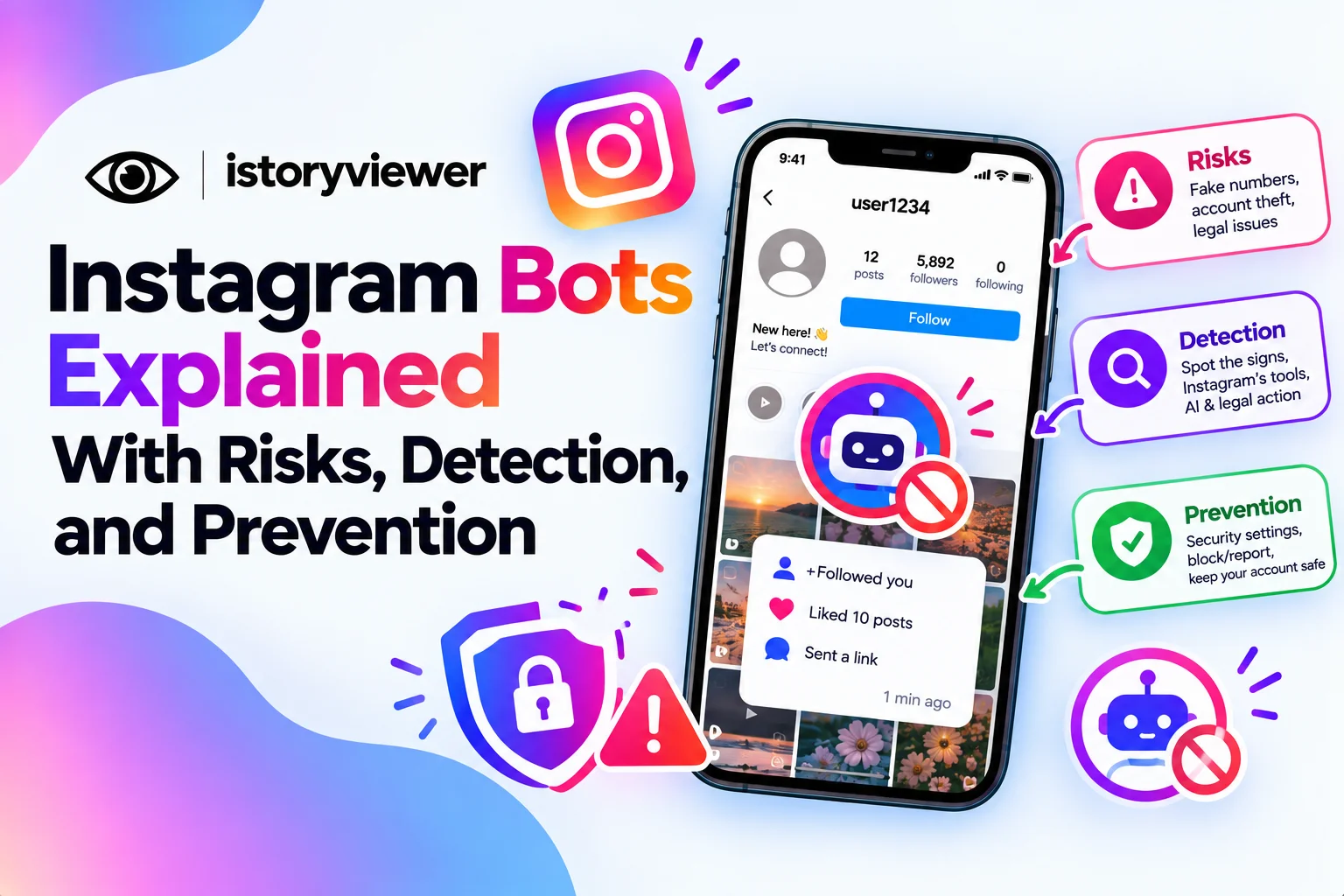
A new account follows you, likes ten old posts in a minute, then sends a strange link. That’s often the work of Instagram bots. Some bots spam real users, while others sell fake followers and views.
Either way, they cause real problems for your account. Instagram bots can drain trust, distort your insights, and even put your login at risk. The good news is that Instagram gives you tools to spot and remove them.
What Are Instagram Bots?
Instagram bots are automated accounts or apps that act without a real person behind each action. They follow, like, comment, and message at a speed no human could match. Some run fake accounts, while others control real accounts through linked apps.
The Instagram Help Center explains that some non-Instagram apps create automated likes, comments, and follows. Their goal is to make an account look more popular than it is. Instagram says this inauthentic activity goes against its Community Guidelines.
Not every bot is a seller. Many spread spam links, scams, or fake giveaways instead. Both kinds hurt the people they touch.
The Real Risks of Using Bots
Buying followers or running a growth bot can backfire in several ways:
Fake Numbers Get Removed
Instagram removes inauthentic activity when it discovers it. Bought likes and follows can vanish, leaving your counts lower than before. Your insights also stop reflecting real people, so your strategy suffers. Fake numbers make it harder to learn what your audience likes.
Legal Trouble for Businesses
In the U.S., the Federal Trade Commission issued a 2024 rule banning the sale or purchase of fake social media indicators. That includes followers or views generated by a bot or hijacked account. It applies when someone knowingly uses them to misrepresent influence for a commercial purpose.
Your Account Can Be Compromised
Many bot services ask for your Instagram password. Handing it over lets a stranger act inside your account. Your profile could post spam, message followers, or get locked. That risk outweighs any short-term bump in numbers. Never share your login with a growth service.
How Instagram Detects and Removes Bots
Instagram fights bots with both technology and legal action. In a 2019 announcement, Meta said it uses machine learning to find and remove inauthentic activity. It also blocks the creation and use of fake accounts.
Detection has kept improving since then. Instagram’s creator safety update described better spam detection across comments, tags, story views, and fake followers. It also tested hiding story views it believes may be spam.
Meta has gone to court too. It has sued services that sold fake Instagram likes, views, and followers. Those lawsuits target the sellers behind the bots, not just the accounts.
Warning Signs of a Bot Account
No single sign proves an account is a bot, but patterns help. Watch for accounts that show several of these traits:
A brand-new profile with few or no posts.
A username full of random numbers or letters.
Generic comments like “Nice pic” on many unrelated posts.
Direct messages pushing links, giveaways, or quick money.
Thousands of follows but almost no followers of its own.
Be careful with links from accounts you don’t know. When in doubt, don’t click, reply, or follow back. Instagram may also flag potential spam followers for you automatically. Trust your instincts if something feels off.
How to Remove Spam and Bot Followers
Instagram’s spam follower tools make cleanup quick. Here’s how the cleanup process works:
Tap the Potential spam notification when Instagram shows one.
Review the accounts Instagram flagged as likely spam.
Tap Remove all spam followers to clear them at once.
Or tap Remove next to individual accounts instead.
Mark any real person as Not spam to keep them.
Removed accounts disappear from your follower count and list. They aren’t alerted when you remove them. Suspected spam follow requests also go to a separate area for review.
How to Protect Your Account From Bots
Prevention saves you cleanup later. These built-in settings help keep bots out:
Keep the Filter spam followers setting turned on.
Use Hidden Words to filter spammy or offensive comments.
Review tag requests, since spam tags won’t appear until you approve them.
Turn on two-factor authentication for an extra login check.
Check your account status regularly to catch issues early. Avoid logging in through unknown third-party apps. Remove access for any connected app you no longer trust. Real growth from good content also keeps your numbers honest, as with growing story views organically.
Back Up Your Content in Case of a Takeover
Bot services that steal logins can lock you out of your own account. Recovery takes time, and your posts may be at risk in the meantime. Keeping copies of your best content gives you peace of mind.
For reels, iStoryViewer can save a clean MP4 of any public reel you’ve posted. Store those files somewhere safe, like cloud storage. If you ever need to rebuild, your work is ready to repost.
Save only your own reels this way, or ones you have permission to use. Backups protect your work, while strong security protects your account.
Frequently Asked Questions
Are Instagram bots illegal?
Using bots breaks Instagram’s Community Guidelines. In the U.S., buying fake followers or views can also break the FTC’s rule. That applies when they misrepresent influence for a commercial purpose. Laws vary by country, so check local rules if you run a business.
Can Instagram ban you for using bots?
Instagram removes inauthentic likes, comments, and follows when it finds them. Accounts that repeatedly break the guidelines can face further enforcement. You might see reduced reach or other limits on your account. Avoiding bots entirely is the safest path. Check account status if your reach drops suddenly.
Why do bots follow my Instagram account?
Bots follow accounts hoping you’ll follow back or click their links. Some promote scams, while others pad their own fake follower counts. Public accounts are easier targets because anyone can follow them. Instagram’s spam filters can catch many of these accounts automatically.
Do bots view Instagram stories?
Yes, spam accounts sometimes view stories to get your attention. Instagram has improved detection of spam story views. It has also tested hiding views it believes may be spam. Don’t judge a story’s success by views from suspicious accounts. Real replies tell you much more.
How do I report a bot account on Instagram?
Open the account’s profile and tap the three dots menu. Choose Report and select the reason that fits, such as spam. You can also block the account so it can’t contact you. Reporting helps Instagram review the account. Remove it from your followers too.